
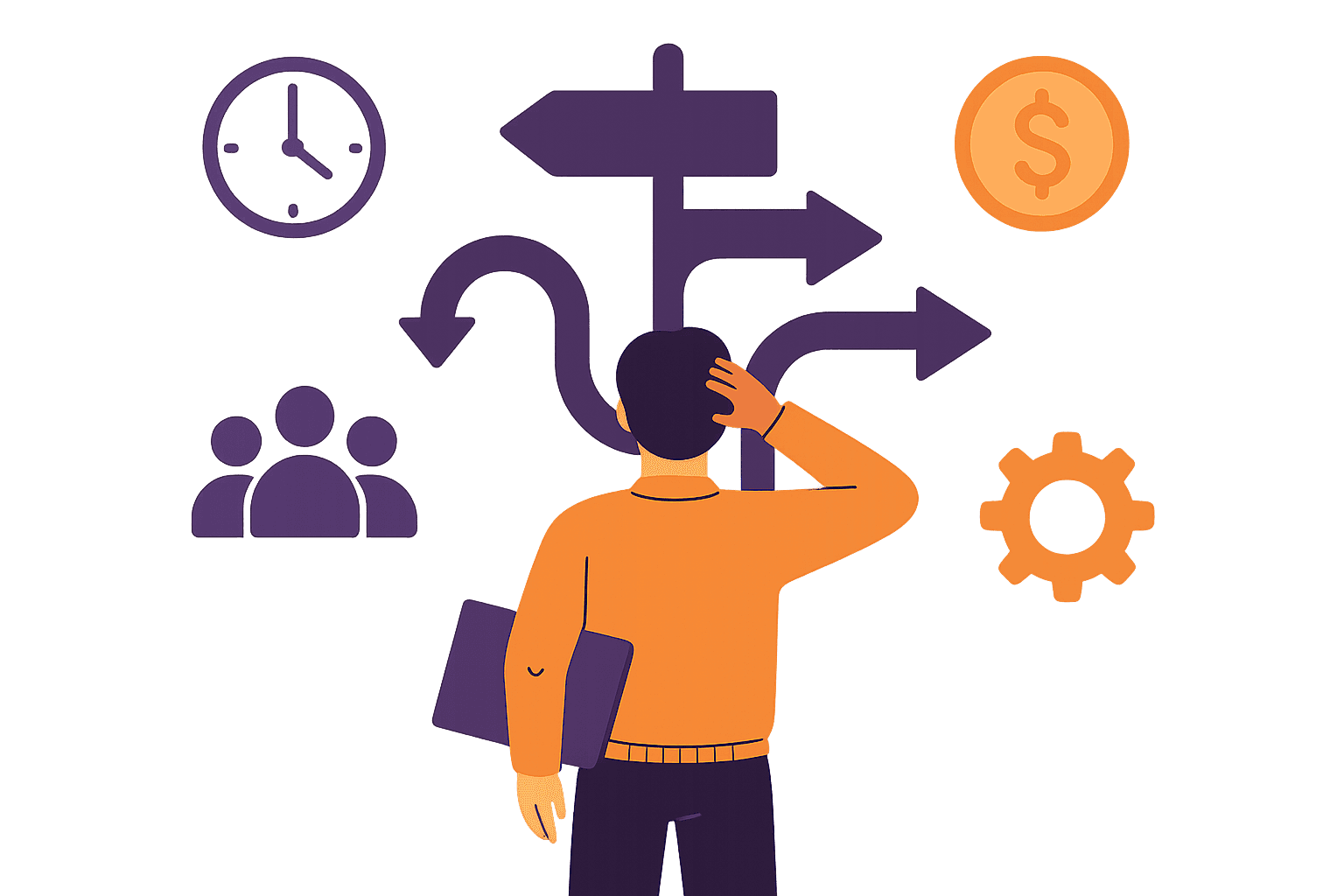
The Gap Between School and Reality
I noticed something in my design classes that nobody talked about. We spent weeks learning the "right" way to do UX research — recruit participants, plan sessions, analyze findings, create personas, map user journeys. Beautiful, thorough processes.
Then I got my first job.
"We need this redesign live by Friday."
"The CEO wants to see wireframes this afternoon."
"We can't afford user testing right now."
"Just make it look more modern."
The perfect processes we learned? They assume you have time, budget, cooperative stakeholders, and clear requirements. Real UX work rarely gives you any of those things.
The skill they don't teach is making good decisions when you can't follow the perfect process. It's the difference between designers who thrive and designers who burn out fighting constraints that will never change.
The Constraints They Don't Warn You About
Design school focuses on the fun constraints — brand guidelines, accessibility requirements, technical specs. Those are predictable. The real constraints are messier and more political.
⏱️ Time Pressure That Makes No Sense
"This needs to be done by the conference next week" — a conference that was scheduled six months ago, but you're hearing about it now. Deadlines driven by external events, investor meetings, or someone's vacation schedule.
What it teaches you: Ask early and often about deadlines that aren't negotiable. Build buffer time into everything. Learn to scope ruthlessly.
💰 Budget Constraints You Don't See Coming
The user research budget got pulled. The developer who was going to build the complex interaction is now working on a "quick bug fix" for three weeks. The design system you were counting on? Deprioritized.
What it teaches you: Always have a Plan B. Know which features are nice-to-have vs. essential. Learn to communicate the cost of cutting corners.
🎭 Stakeholder Politics
The VP of Sales wants different metrics than the VP of Product. Marketing has "just one small request" that breaks your entire information architecture. The CEO saw a competitor's app and wants "something like that, but different."
What it teaches you: Surface conflicts early. Document decisions and reasoning. Learn to translate between different stakeholder languages.
🏗️ Technical Debt You Can't See
"We can't change the navigation because it would require rebuilding the authentication system." "That interaction you designed? Our CSS framework doesn't support it." "The API returns the data in this format, so the design has to work with that."
What it teaches you: Partner with developers early. Understand your platform's limitations. Design with constraints, not against them.
📊 Data Gaps You Can't Fill
Your analytics are broken. The last user research was done two years ago on a different product. Your target users are busy executives who won't respond to survey requests. You're designing for a market that doesn't exist yet.
What it teaches you: Use proxy data. Leverage domain expertise from customer-facing teams. Design for the user you can talk to, then validate with the user you can't.
These constraints aren't failures of process — they're the default state of most UX work. Once I accepted that, I could focus on getting good at working within them instead of fighting them.
A Framework for Better Trade-offs
When you can't have everything, you need a way to decide what matters most. I've developed a hierarchy that works across different companies and constraints:
The Constraint Decision Hierarchy
- 1.
User Impact
Does this help users complete their primary task? If you can't measure impact directly, default to clarity and simplicity.
- 2.
Business Goals
What does success look like for the company? Align with the metrics that actually get tracked and rewarded.
- 3.
Technical Feasibility
What can actually be built with current resources and timeline? Work with the platform you have, not the one you wish you had.
- 4.
Time Constraints
What can you deliver that's useful by the actual deadline? Something shipped is better than something perfect in your Figma files.
When stakeholders want conflicting features, when developers say your design is impossible, when deadlines make no sense — run through this hierarchy. It won't make the constraints disappear, but it will help you make decisions you can defend.
The Two-Minute Trade-off Assessment
When a constraint forces a tough decision, ask:
- • What do we give up? Be specific about the user impact.
- • What do we gain? Time, resources, simplicity, earlier feedback?
- • Is this reversible? Can we fix it later or are we locked in?
- • Who needs to know? Which stakeholders are affected by this trade-off?
Real-World Examples
Here's how this framework plays out in practice:
📱 "We need mobile support tomorrow"
The constraint: CEO saw competitor's mobile app at a conference. Wants to demo our mobile experience to investors next week.
Framework decision: User impact → Can't build real mobile app in a week, but can make website responsive for core user flows. Business goals → Demo needs to show mobile exists, not perfect mobile experience. Technical feasibility → CSS media queries achievable. Time constraints → Focus on 3 key screens only.
Result: Delivered responsive version of signup, dashboard, and key feature. Set expectations that full mobile app is Q2 priority with proper timeline.
🔒 "Legal needs this compliance feature immediately"
The constraint: Regulatory deadline in 3 weeks. Feature affects core user workflow but legal requirements are non-negotiable.
Framework decision: User impact → Compliance is essential, but minimize friction. Business goals → Legal compliance trumps UX polish. Technical feasibility → Add consent flow to existing screens rather than rebuilding. Time constraints → Ship minimal viable compliance, improve UX later.
Result: Simple checkbox and modal met legal requirements. Tracked user friction, iterated to better solution over following months.
🔄 "The CEO wants to completely change the navigation"
The constraint: CEO feedback after user feedback session: "Our navigation is confusing, people don't understand where things are."
Framework decision: User impact → Navigation problems are real, but full rebuild affects everything. Business goals → CEO engagement matters, but so does not breaking existing users. Technical feasibility → Full rebuild takes 6 weeks. Time constraints → Can A/B test simplified version in 2 weeks.
Result: Proposed A/B test of simplified nav with current users. CEO agreed to data-driven approach. Simplified version won, implemented gradually.
Notice the pattern? Good constraint-based decisions aren't about finding perfect solutions — they're about finding solutions that work within reality and can be improved over time.
Getting External Perspective
When you're deep in constraints, it's hard to see the forest for the trees. You know the technical limitations, the political dynamics, the time pressures. But that inside knowledge can create blind spots.
I've found that external perspective — whether from other designers, critique partners, or even AI feedback — helps you step back and see which constraints are real and which ones you've just accepted as unchangeable.
Questions an external reviewer might ask:
- • "What would this look like if you had unlimited time?"
- • "Which constraint is driving this design decision?"
- • "What's the user seeing that makes you think this is working?"
- • "Could you solve this problem without adding complexity?"
- • "What would you change if you had to cut half the features?"
Sometimes an external eye will spot that you're designing around a constraint that could actually be negotiated. Other times they'll validate that your constraint-driven solution is actually pretty clever.
Either way, having someone outside your daily context review your work helps you separate real constraints from assumed constraints. And that's where breakthroughs happen.
Building Your Constraint Toolkit
Getting good at constraint-driven decisions is like building any other skill — it takes practice and the right tools. Here's what I wish someone had told me:
📋 Document Your Decision Process
Keep a record of what constraints drove major decisions. When similar situations arise (and they will), you'll have a playbook. Plus, documentation helps justify decisions when stakeholders question them later.
🔄 Practice the Trade-off Conversation
Get comfortable saying: "If we do X, we can't do Y. Here's why that's the right trade-off." The more you practice articulating trade-offs clearly, the more stakeholders will trust your judgment.
🎯 Build Your Constraint Radar
Learn to spot constraints early. Ask about deadlines, budget changes, and stakeholder priorities in every project kick-off. The earlier you understand constraints, the better you can design with them instead of against them.
🛠️ Develop Your "Plan B" Muscle
For every design decision, have a simpler version ready. What if you had half the development time? What if the API doesn't work as expected? Constraint-resistant designs are designs with fallback options.
The goal isn't to eliminate constraints — that's impossible. The goal is to get so good at working within them that your constrained solutions are better than most people's unconstrained ones.
Constraints make you a better designer, not a worse one. They force you to focus on what really matters, to communicate more clearly, and to build solutions that actually get shipped.
Everything You Need to Know
Quick answers to help you get started
Stay in the Loop Design Updates
Get practical design tips and new updates. No spam, unsubscribe anytime.