Design Feedback Tools Compared Find the Right Tool for Your Workflow
Comprehensive comparison of design feedback tools: Figma, InVision, Loom, Markup.io, The Crit, and more. Honest reviews with pricing and recommendations.

⚡ TL;DR
- Figma Comments: Best for teams already in Figma
- Loom: Best for complex async explanations
- The Crit: Best for instant AI feedback
- Bottom line: Combine 2-3 tools strategically

Finding the Right Tool
Design feedback is essential, but choosing the right tool is confusing. Should you use Figma comments? InVision? Loom? Something AI-powered?
Need a refresher on design critiques? Check out our complete guide to design critiques.
The truth: there's no single best tool. Different tools excel at different things. The best workflow usually combines 2-3 tools strategically based on your needs.
This guide compares the major options honestly — including our own tool, The Crit — so you can make an informed decision.
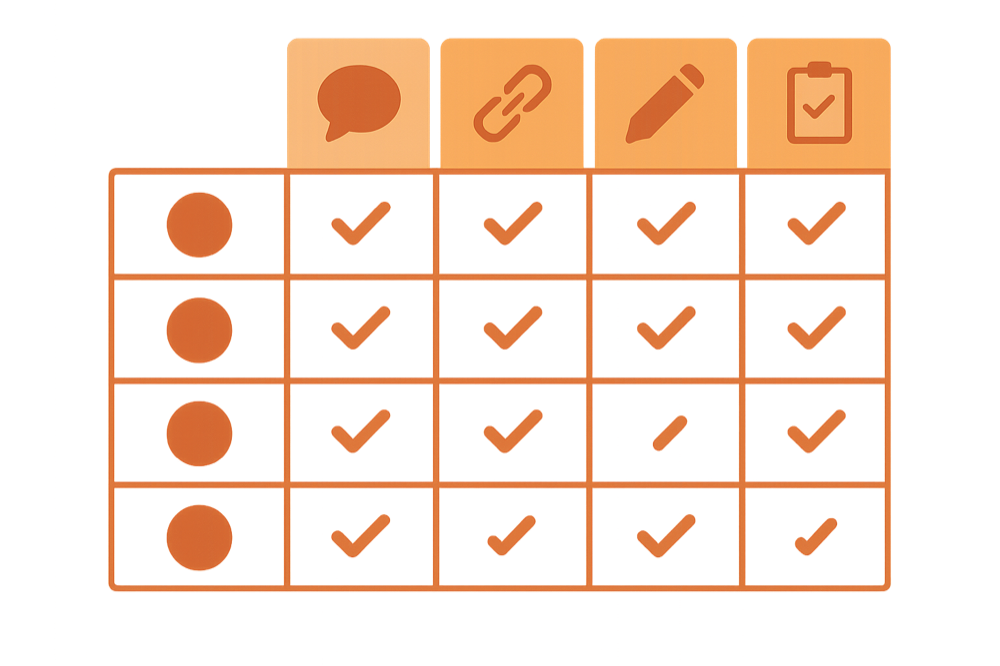
Quick Comparison
How do the major tools stack up on key features?
| Feature | Figma | InVision | Loom | Markup | The Crit |
|---|---|---|---|---|---|
| Instant feedback | |||||
| AI-powered analysis | |||||
| Works with any design file | |||||
| Point-and-click annotations | |||||
| Video feedback | |||||
| Real-time collaboration | |||||
| Design principle guidance | |||||
| No account needed for reviewers | |||||
| Free tier available | |||||
| Integrates with Figma |
Figma Comments
Built-in collaboration for Figma users
Pricing
Free with Figma
$15-75/user/month for Figma plans
Best For
Teams already using Figma for design
✓ Pros
- No additional tool needed
- Comments attached to specific elements
- Real-time collaboration
- Version history
- Threaded conversations
✗ Cons
- Limited to Figma files only
- No structured feedback framework
- Comments can get lost in large files
- No feedback templates or guidance
- Requires Figma access for reviewers
Our Take: Best if you're already all-in on Figma and reviewers have accounts.
InVision
Classic design collaboration platform
Pricing
Free plan available
$4-12/user/month for paid plans
Best For
Prototyping with stakeholder feedback
✓ Pros
- Easy prototype sharing
- Comments on any screen
- Presentation mode
- Integrates with Sketch, Figma, PS
- Guest access without accounts
✗ Cons
- Platform is being deprecated (Freehand focus)
- Clunky workflow for design iteration
- Limited AI or automation
- Separate from your actual design files
- Company direction uncertain
Our Take: Was great, but InVision is shifting focus. Consider alternatives.
Loom
Video feedback for async communication
Pricing
Free plan (25 videos)
$12.50/user/month for Business
Best For
Explaining complex feedback with context
✓ Pros
- Shows exactly what you mean
- Captures tone and nuance
- Easy to record and share
- Works with any design tool
- Great for stakeholder presentations
✗ Cons
- Time-consuming to record
- Hard to reference specific points later
- No structured feedback framework
- Videos pile up and get lost
- Feedback isn't actionable/trackable
Our Take: Great supplement, but not a complete feedback solution.
Markup.io
Visual feedback on any website or image
Pricing
Free plan available
$15-25/user/month for teams
Best For
Website reviews and bug reporting
✓ Pros
- Works on live websites
- Simple annotation tools
- Easy stakeholder access
- Chrome extension
- Integrations with project tools
✗ Cons
- Limited to visual annotations
- No design principle guidance
- Focused on bugs, not design quality
- Less useful for early design phases
- No AI assistance
Our Take: Excellent for QA and website reviews, limited for design critique.
The Crit
AI-powered design feedback in seconds
Pricing
Free tier available
Pro plans from $9/month
Best For
Solo designers, students, rapid iteration
✓ Pros
- Instant AI feedback (seconds)
- Available 24/7
- Consistent, objective criteria
- Educational explanations
- No scheduling or waiting
- Unlimited iterations for flat rate
✗ Cons
- AI may miss nuanced context
- No human mentorship
- Better for fundamentals than strategy
- Newer platform (less established)
Our Take: Best for solo designers and rapid iteration. Great complement to human feedback.
Other Options
These tools are worth knowing about for specific use cases:
Zeplin
Developer handoff with commenting. Good for dev feedback, less for design critique.
Best for: Design-to-dev workflows
Abstract
Version control with reviews. Sketch-focused, less relevant as Figma dominates.
Best for: Sketch users needing version control
Pastel
Website annotation and feedback. Similar to Markup.io.
Best for: Simple website feedback
Userback
User feedback collection with visual tools. More for user testing than design critique.
Best for: Collecting user feedback on live products
Miro/FigJam
Whiteboard tools with sticky notes. Good for brainstorming, limited for detailed feedback.
Best for: Collaborative workshops and ideation
Our Recommendations
Based on your situation, here's what we recommend:
Solo Designer / Freelancer
→ The Crit + Loom
AI for rapid iteration, Loom for client presentations. No team overhead.
Design Team (3-10)
→ Figma Comments + The Crit
Figma for real-time collaboration, The Crit for objective quality checks.
Enterprise (10+)
→ Figma Comments + Loom + Structured Reviews
Built-in tools for daily work, async video for stakeholders, scheduled human reviews for strategy.
Design Student
→ The Crit
Learn fundamentals with AI feedback, no fear of looking incompetent.
Agency with Clients
→ Markup.io + Loom + The Crit
Markup for client annotations, Loom for presentations, The Crit for internal quality.
The Bottom Line
There's no single "best" design feedback tool. The right choice depends on your team size, workflow, and what kind of feedback you need most.
For most designers, we recommend:
- Figma Comments for real-time team collaboration
- The Crit for instant AI feedback and quality checks
- Loom for async video explanations with stakeholders
This combination covers 95% of feedback needs for under $30/month total.
Everything You Need to Know
Quick answers to help you get started
Related Resources
Share this resource

Written by
The CritDesign tools & workflow research
Designer, educator, founder of The Crit. I've spent years teaching interaction design and reviewing hundreds of student portfolios. Good feedback shouldn't require being enrolled in my class — so I built a tool that gives it to everyone. Connect on LinkedIn →
Ready to put this into practice?
Upload your design, get specific fixes back in under 3 minutes. No fluff, no generic advice.
Continue Reading
All resources →Get one actionable portfolio tip every week. No fluff.
Short reads you can use on your site. Unsubscribe anytime.